The
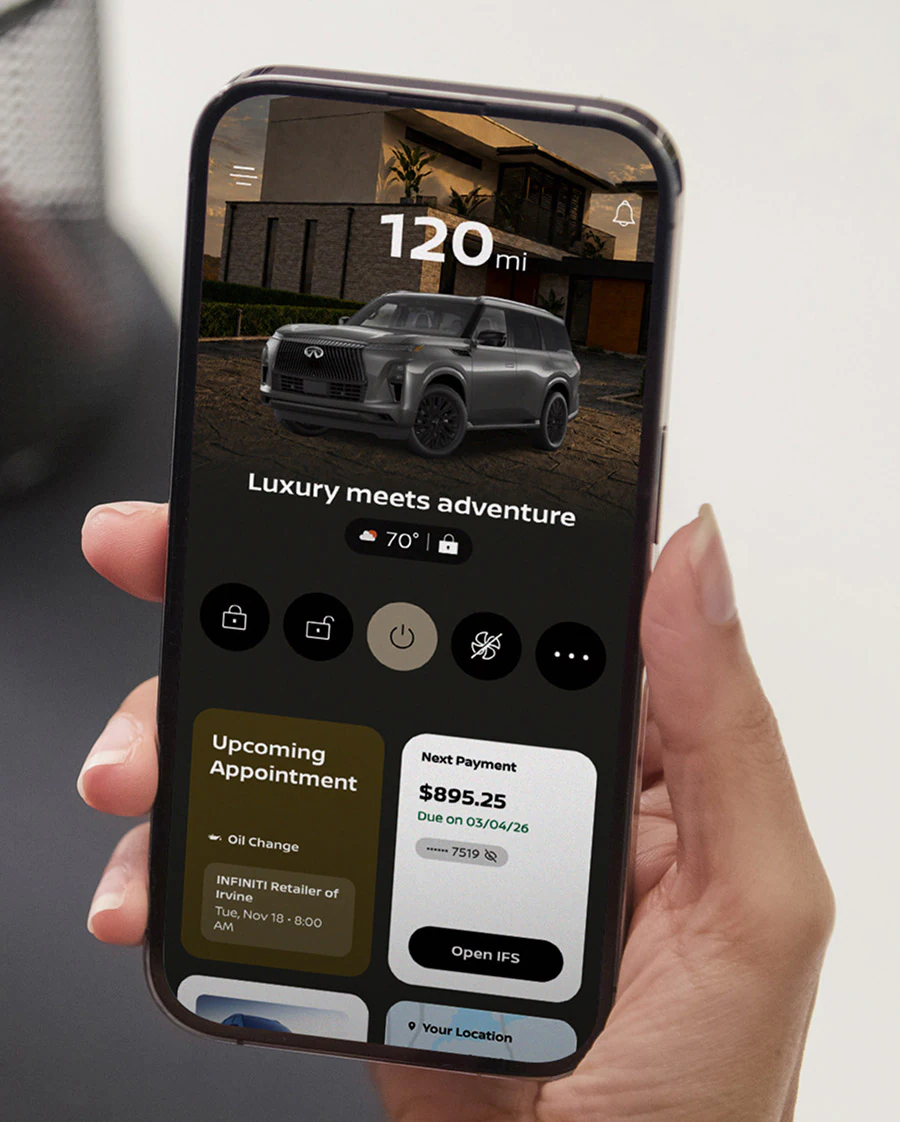
INFINITI app makes it easier to manage your vehicle and stay connected to it even when you’re not behind the wheel. With the MyINFINITI app, INFINITI owners can check vehicle information, schedule maintenance, review service history, and access available remote features from their smartphone. Southwest INFINITI is here to help you set up your app and understand what it does.
Download and Set Up Your Account
Getting started with the MyINFINITI app takes just a few steps:
- Download and Register: Install the MyINFINITI app from the Apple App Store or Google Play Store, then create an owner profile with your email address.
- Add Your Vehicle: Next, enter your 17-digit Vehicle Identification Number to link your sedan or SUV to your digital garage.
- Activate Connected Services: Follow any additional prompts to activate connected services. Some remote features require an eligible vehicle and an active INFINITI InTouch Services subscription.
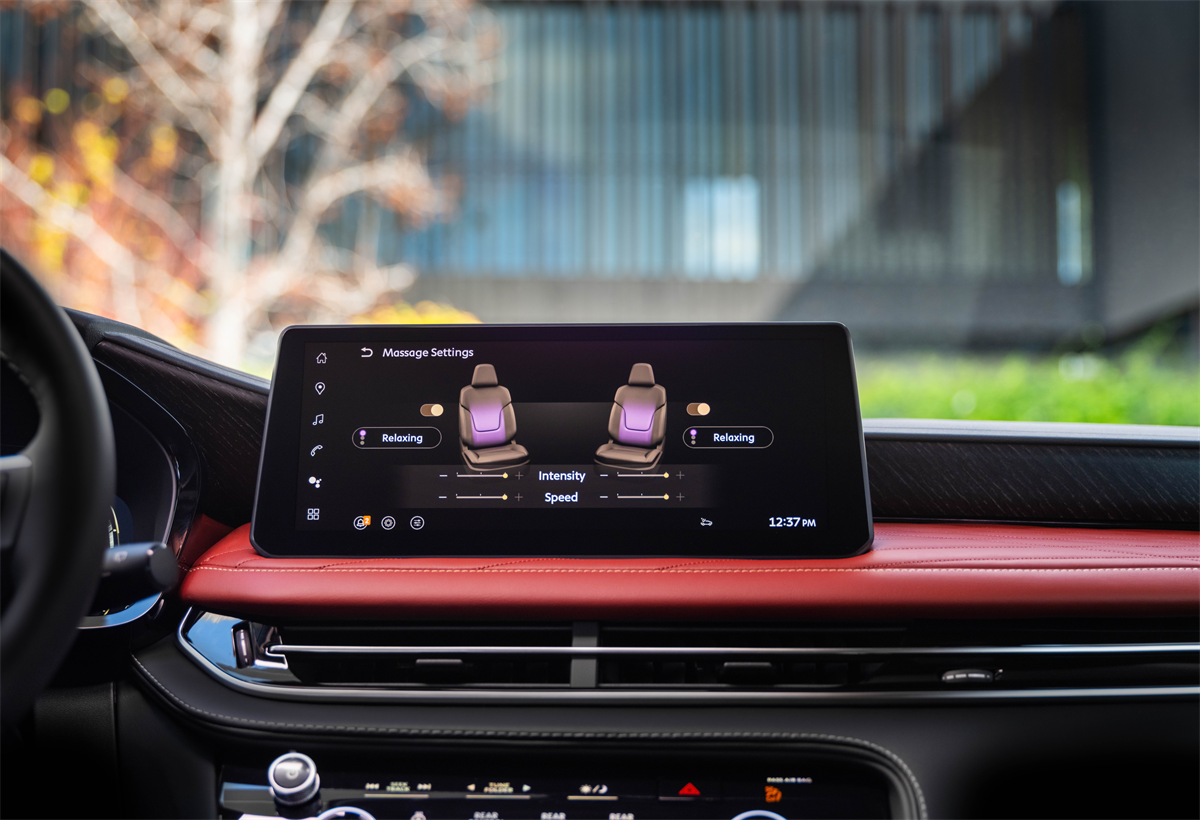
Once verified, your smartphone will automatically sync with your vehicle’s onboard telematics system. If your INFINITI model has Google built-in, you may also need to sign in to INFINITI InTouch through the vehicle’s touchscreen.
What Can the MyINFINITI App Do?
After you have set up your app, you can manage cabin comfort and vehicle security from virtually anywhere with cellular coverage. Remote Engine Start/Stop is an especially useful feature here in Houston, as it lets you cool down your cabin before stepping out into the Texas heat. Remote Door Lock/Unlock secures your vehicle with a quick tap, and you can locate your SUV in crowded lots using Vehicle Finder.
Get Help with the INFINITI App in Houston, TX
The team at
Southwest INFINITI is happy to help you pair your smartphone to your INFINITI SUV. We’re here so that you can get the most out of your SUV. Visit our dealership if you have any questions about INFINITI technology.